VatraIn progressPrivate
The problem
AI tools are split across separate apps: one for chat, one for design, one for documents, each with its own memory and its own copy of your files, and most of them only run on a vendor's cloud with their models.
What Vatra does
Vatra brings them into one self-hosted workspace. Everything shares three objects, project, session and artifact, so a design, a chat and a document all see the same context and memory.
- Design workspace: live previews on phone, tablet and desktop frames, a tweaks panel bound to the design's CSS variables, and comment pins that turn into required edits
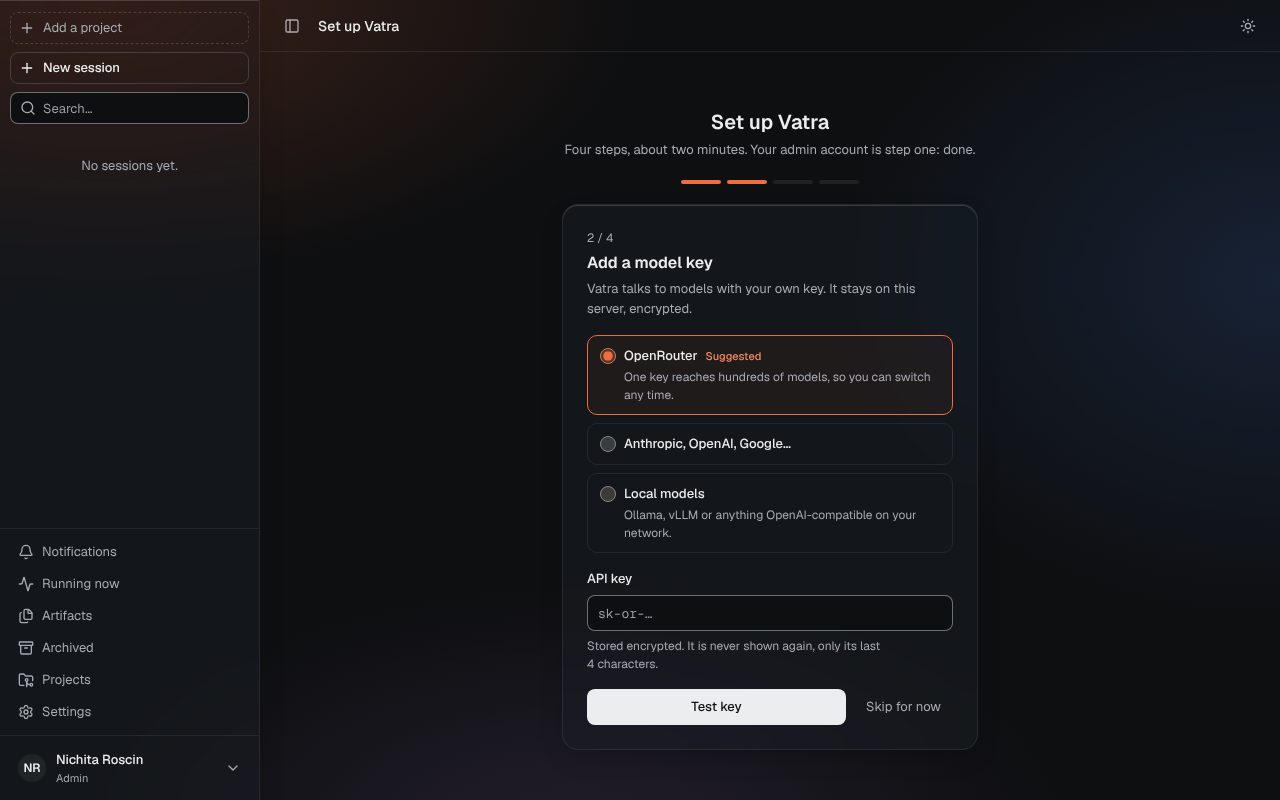
- Chat and agents with streamed replies and a model picker, on your own API keys or open models
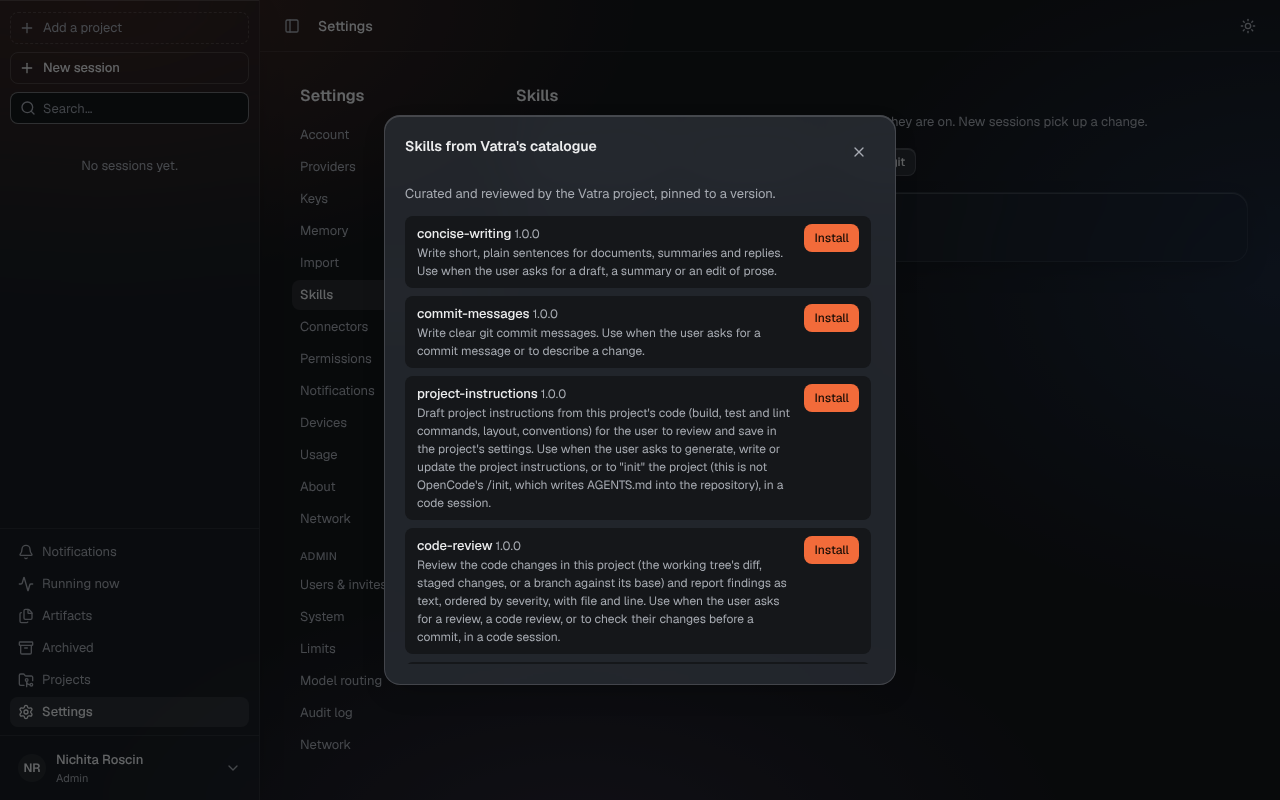
- Memory as plain markdown files per user and per project, visible and editable, with "Remember this?" proposals you accept or reject
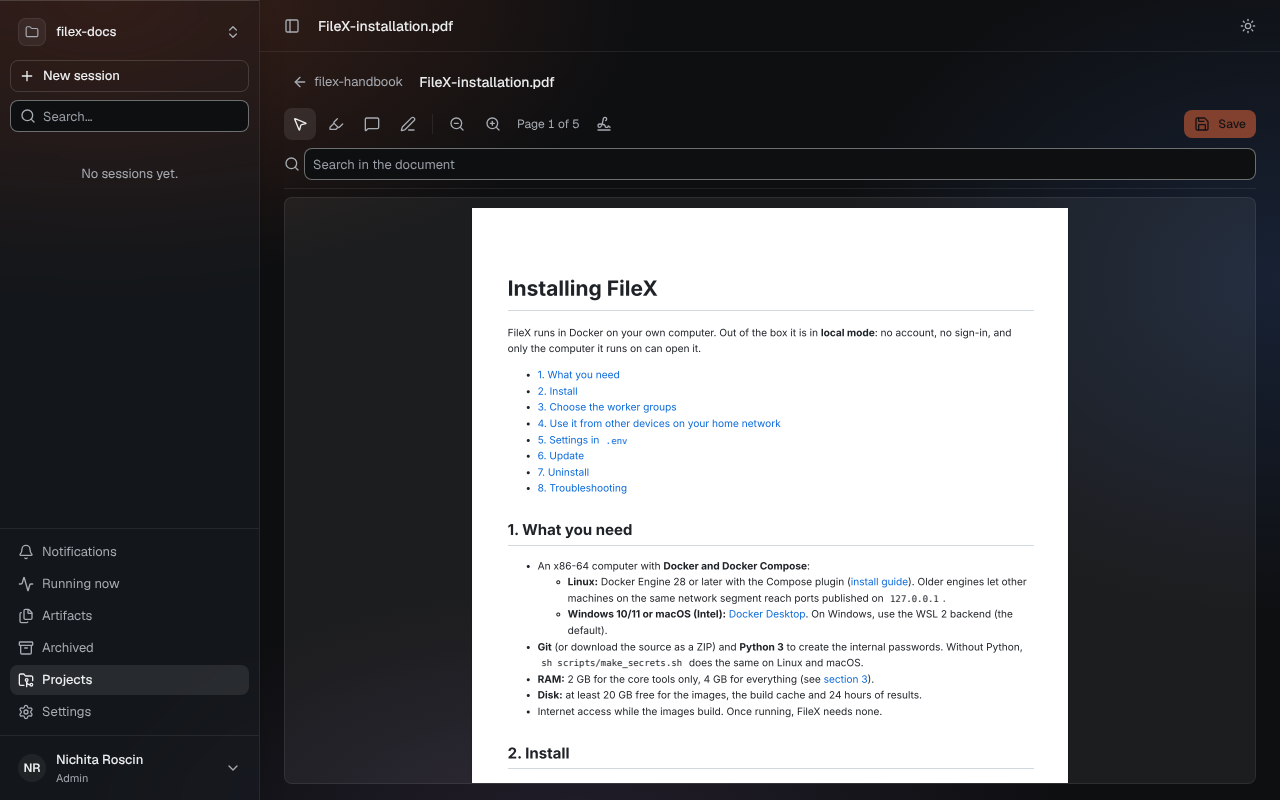
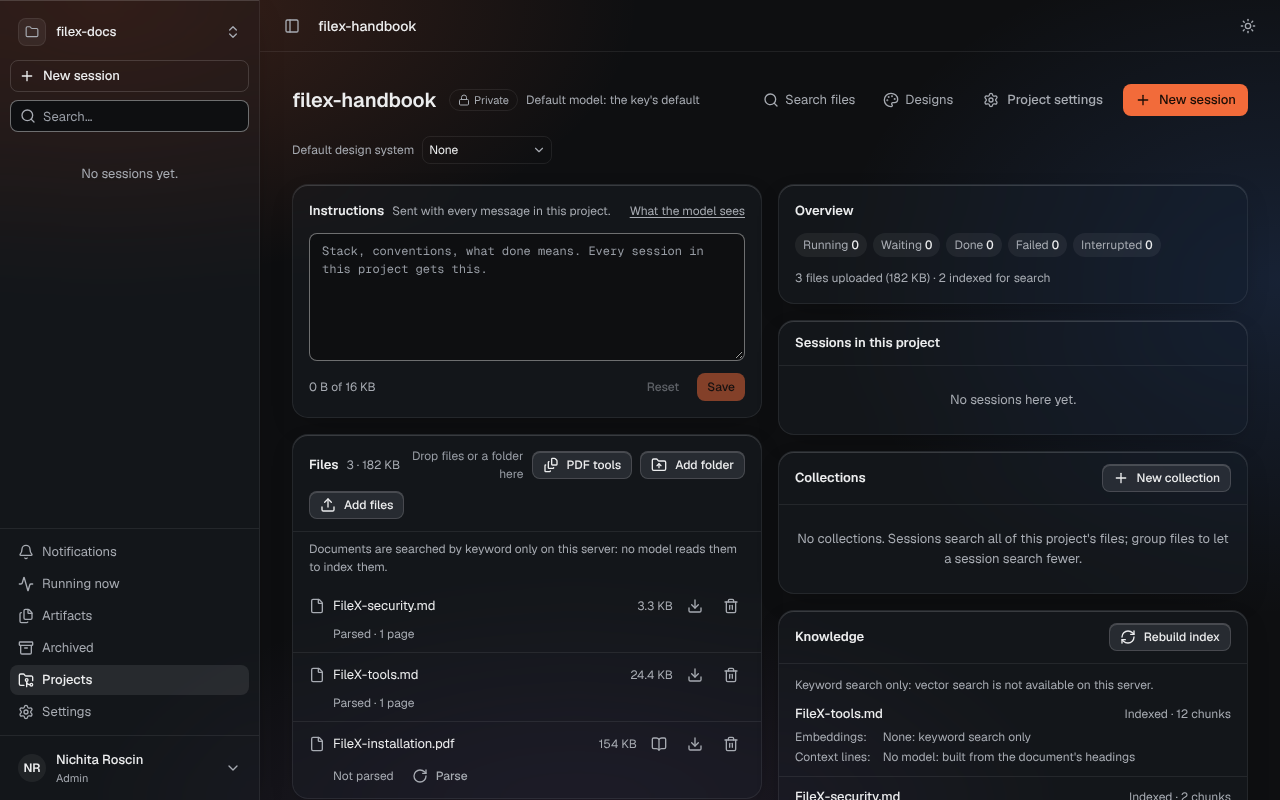
- Knowledge with citations: upload documents, parse them with Docling, and get answers with numbered sources from hybrid keyword and vector search
- Multi-user: one process per user under its own system user, and per-user model keys that never reach the browser or the agent
How it's built
Bun and TypeScript on the server, React 19 + Vite + Tailwind CSS in the browser, SQLite with sqlite-vec for storage and vector search, and fastembed (ONNX) for local embeddings and reranking. It ships as a Docker image in a full and a slim variant, with optional HTTPS through Caddy. Tested with Vitest and Playwright in GitHub Actions.
Status
In active development ahead of a public beta. Chat, the design workspace, memory, artifacts and multi-user are built; knowledge, the PDF editor, research, skills and MCP servers are in progress. The repository is private for now; it will be released under AGPL-3.0, with a commercial licence available.